Linux Self Host Up and Running with Cloudflare
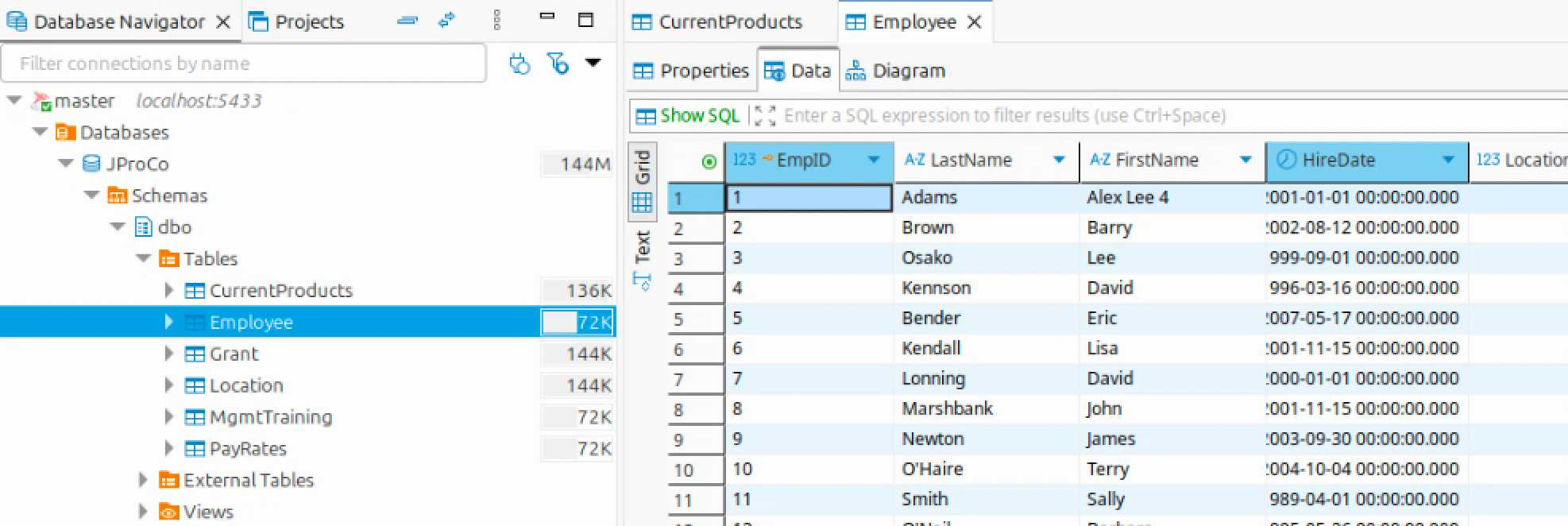
Making terrific progress moving off of my hosted vps to a linux box in my home. A looming $350 payment for the next three years was the catalyst for “do I need to pay this, is it time to bring this in house”? I already had the Beelink mini pc, and it’s far faster with more ram than my VPS and the electricity costs are minimal and less than the very reasonable $10/mo of that SSDNODES.COM was charging.
I use docker to partition the vps, and now the Linux Mint machine into “many servers”. When I want to share my work outside my home, that’s where Cloudflare tunnels come in. Exposing ports whether on the vps or on my home router and linux machine is asking for trouble. Cloudflare handles that and more:
Here is the compact definition of what Cloudflare Tunnels provides for your partitioned setup:
- Inversion of Ingress: Eliminates the need for dangerous port forwarding by establishing a secure outbound connection from your server to the edge, keeping your home router’s firewall completely closed.
- Container Micro-Segmentation: Maps public URLs directly to internal Docker IPs, exposing only the specific "partitioned" service while keeping the host OS and other containers invisible to the outside world.
- Instant Production Layer: Automatically provides valid SSL/TLS certificates, DDoS protection, and global CDN caching without the need to manage local certs or reverse proxies.
- Zero-Trust "Bouncer": Allows you to wrap unsecure internal apps in an authentication layer (Google/GitHub login) at the Cloudflare edge, blocking unauthorized traffic before it ever reaches your home network.
Their free tier is more than generous enough for my needs. Setting this up is a major chore. Their documentation is there, but poor. It’s not QUITE as bad as AWS, but it’s plenty obtuse. And after spending a few hours getting the setup working, and still not quite understanding how it eventually works - all is well. Until it isn’t and you have to debug and relearn all over again. I just don’t do this work every day or often enough for the lessons to stick.
Enter GenAI. All I needed to do was setup an api key which the AI instructed me in how to create it. Work with the AI to make an implementation plan, gave it the key, and away it went. Instead of me taking hours of frustration, Claude Code made quick work of it. Then I had Claude make a write up of the process - which also came out excellent.
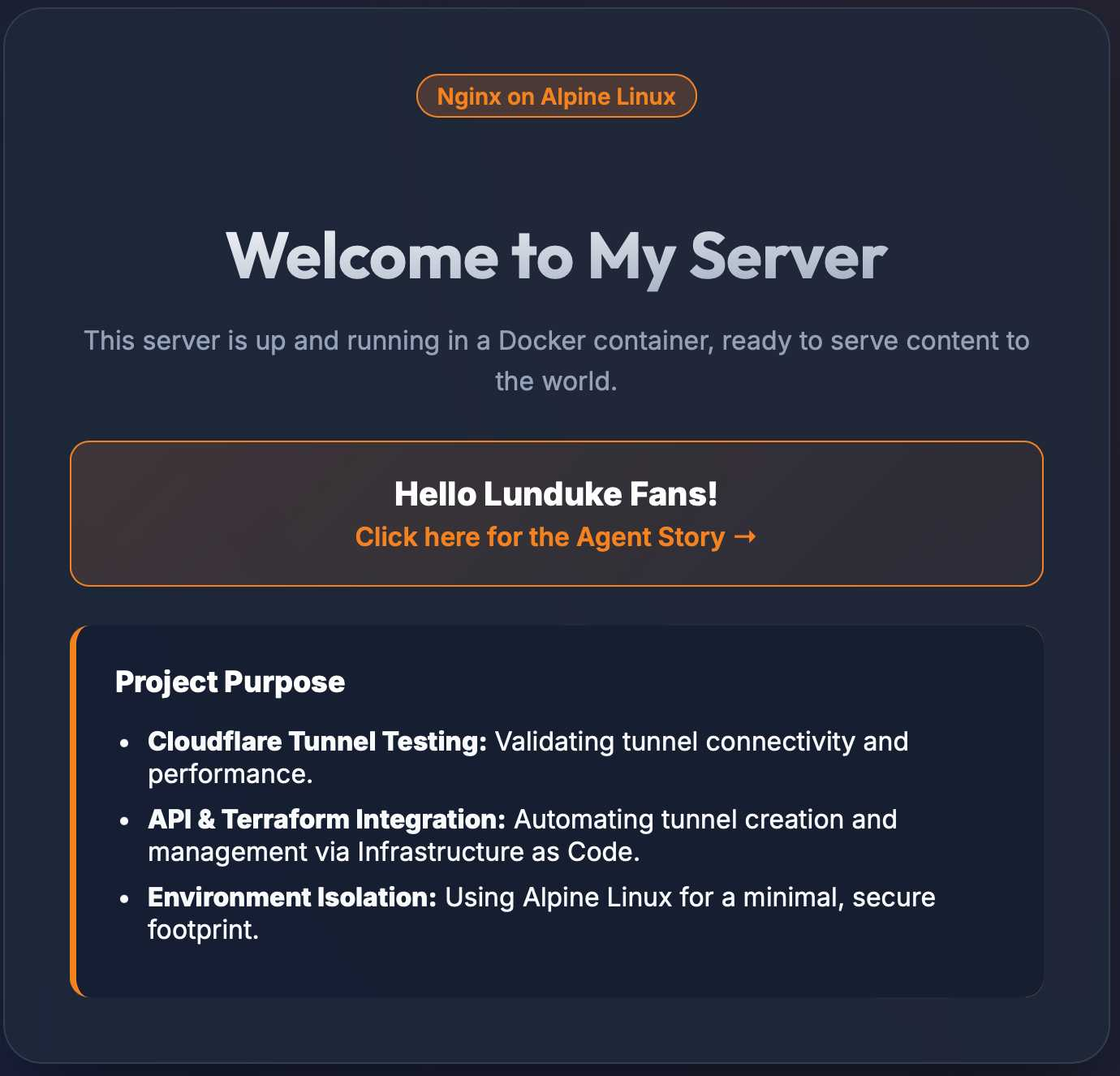
You can see for yourself: http://nginx.leebasehome.com - there’s a special Welcome Lunduke fans link to the article.
ps: Gemini CLI came out with a new version that I tried first. Was terrible, still is terrible. The Gemini 3 models are quite good as is the Google Antigravity app (competitor to Cursor).