The April Lunduke Journal Pledge drive has ended! Thank you to everyone who pitched in to help The Lunduke Journal continue to provide ad-free, Big Tech Free journalism!
The Lunduke Journal would not be possible without your support.
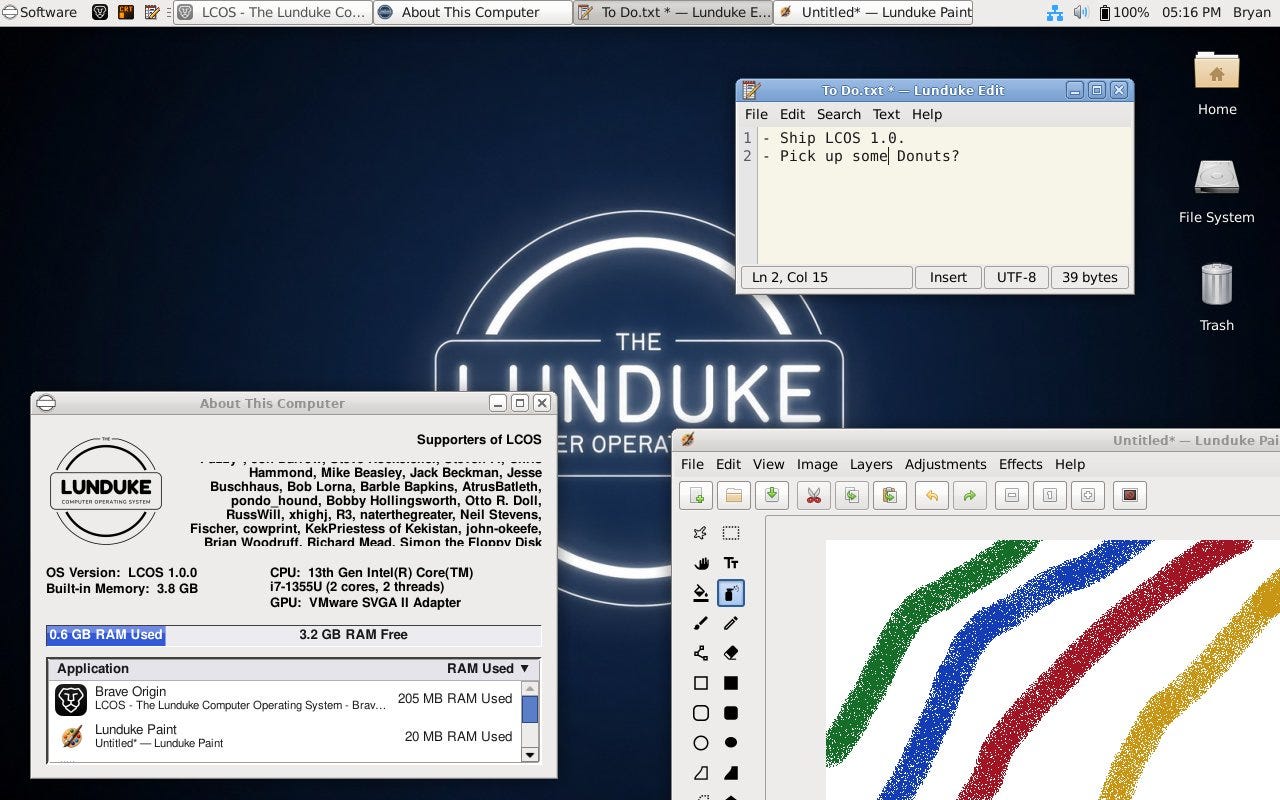
Lunduke Computer Operating System (LCOS) 1.0 Released!
ID Verification & data collection. Forced online accounts. Bloated, slow software. AI features shoehorned everywhere. And weird, Woke politics. LCOS has none of that nonsense.
"Fk Open Source" Says Leaders of GNOME, Elementary, Others
"What we need is free software … which [is] anti-fascist, feminist, anti-racist, Igbtq+ inclusive, anti-capitalist, anti-imperialist, anti-genai, etc."
Ads are filling the entirety of the Web -- websites, podcasts, YouTube videos, etc. -- at an increasing rate. Prices for those ad placements are plummeting. Consumers are desperate to use ad-blockers to make the web palatable. Google (and others) are desperate to break and block ad-blockers. All of which results in... more ads and lower pay for creators.
It's a fascinatingly annoying cycle. And there's only one viable way out of it.
Go to this page and pick up a Lifetime Subscription (aka “One Time Contribution with Lots of Perks”).
Within a few hours, you’ll receive a confirmation email from yours truly with all the details.
Reply to that email with how you want your name displayed in the LCOS 1.0 About Window (nick name, first name, or full name are all aok).
Just be sure complete step 3 before midnight (Central Time) on Saturday, October 31st so it definitely makes it onto the final LCOS 1.0 build! My advice? Do this by Friday, October 30th so there’s no chance you miss it!
Huge thank you to everyone who has been supporting The Lunduke Journal and LCOS! You make all of this possible!
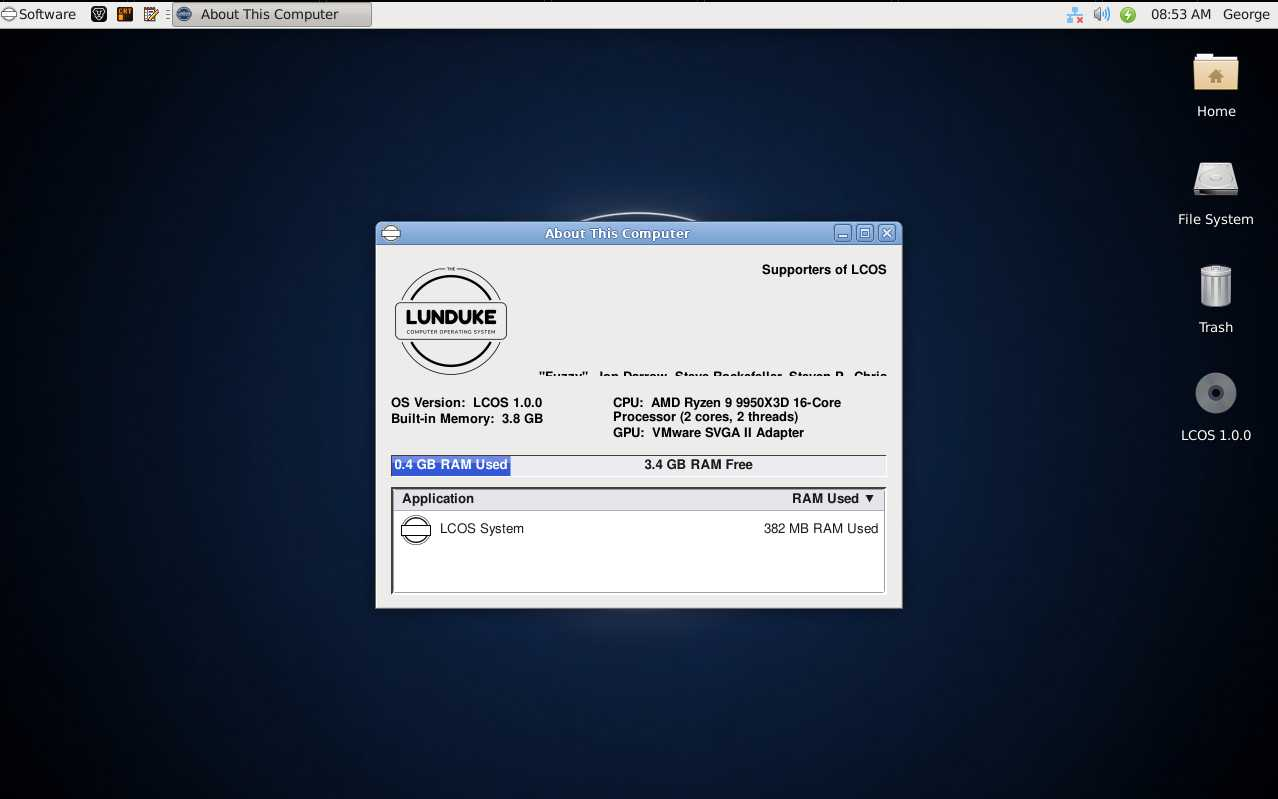
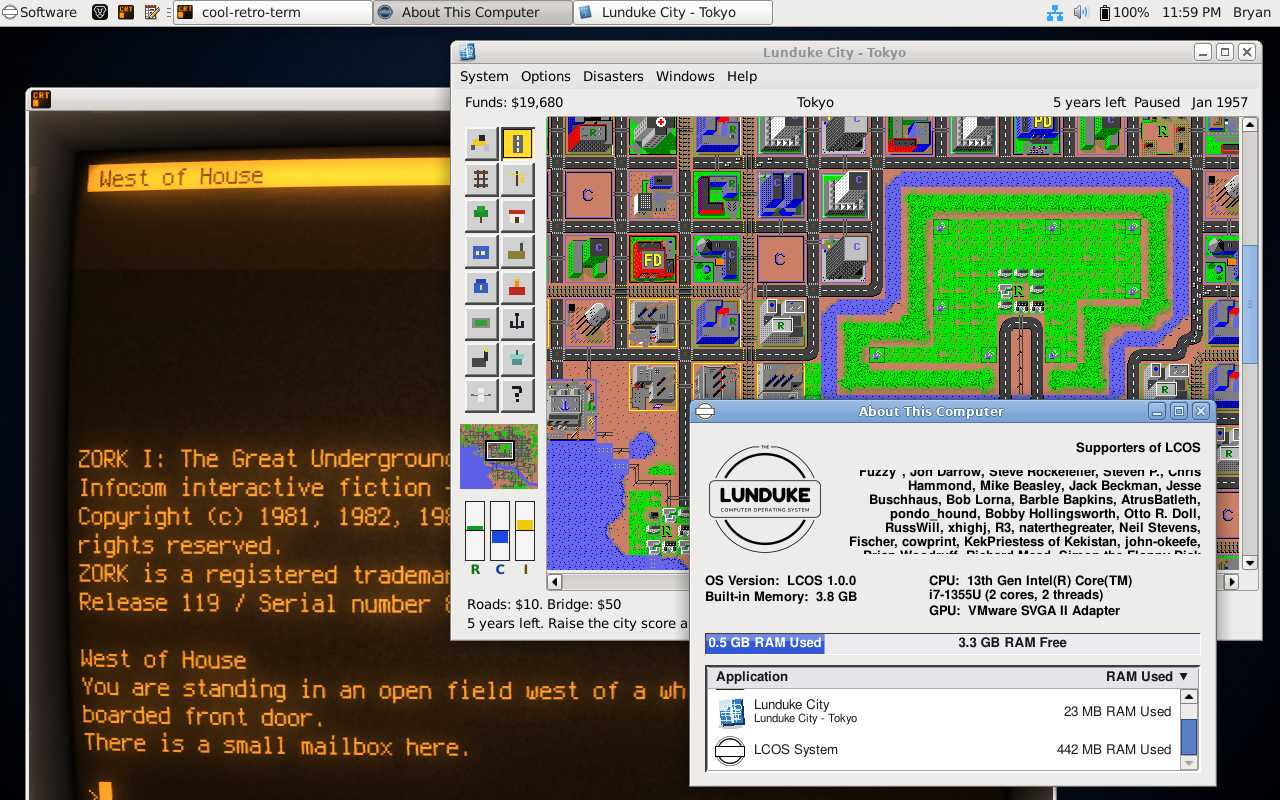
Want to do even more to help out? Grab a “pay what you want” Lifetime Subscription and get your name in the “About This Computer” window inside LCOS 1.0! These funds go directly towards hardware testing and other expenses.
Huge thank you to everyone who has contributed with both hardware testing and financial support. We’ve had absolutely tremendous momentum over the last few months, and that wouldn’t have been possible without all of you.
A huge thank you to everyone who has already contributed (in both ways)! With your help, we are making LCOS into the best gosh darned system in all the land.
There are some options. For both subscribing and donating. They're all on this page.
Bonus: At the bottom of this page you will find the invite link to the super-secret Lunduke Journal Discord Chat Server. This is only available for full subscribers, which makes it a nice place to hang out. No riff-raff.
Only for Supporters
To read the rest of this article and access other paid content, you must be a supporter