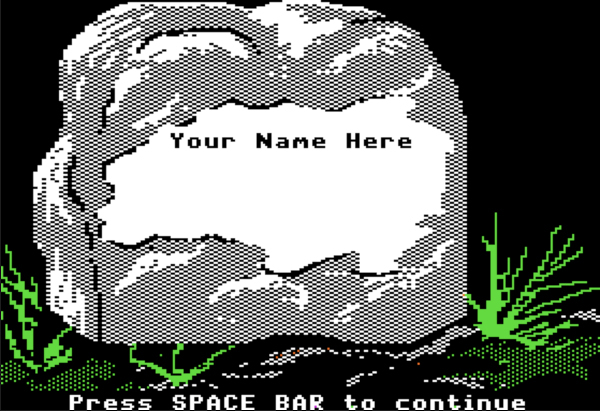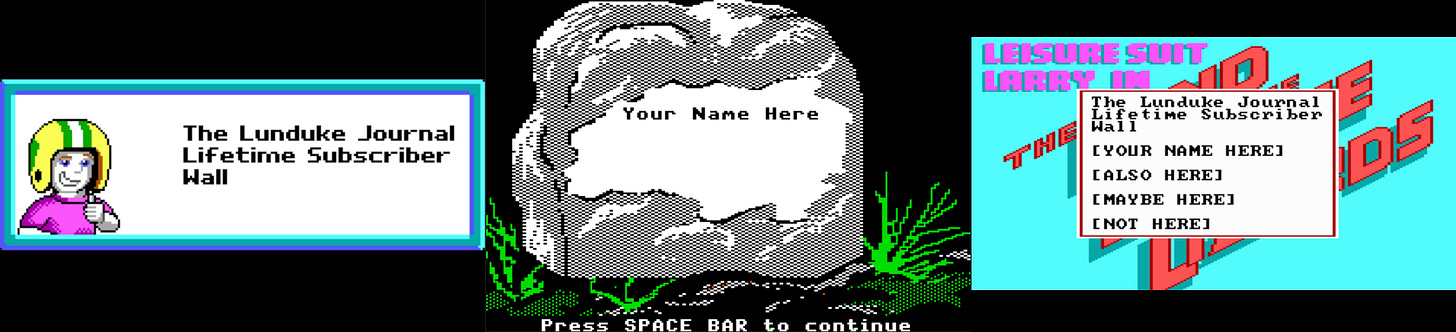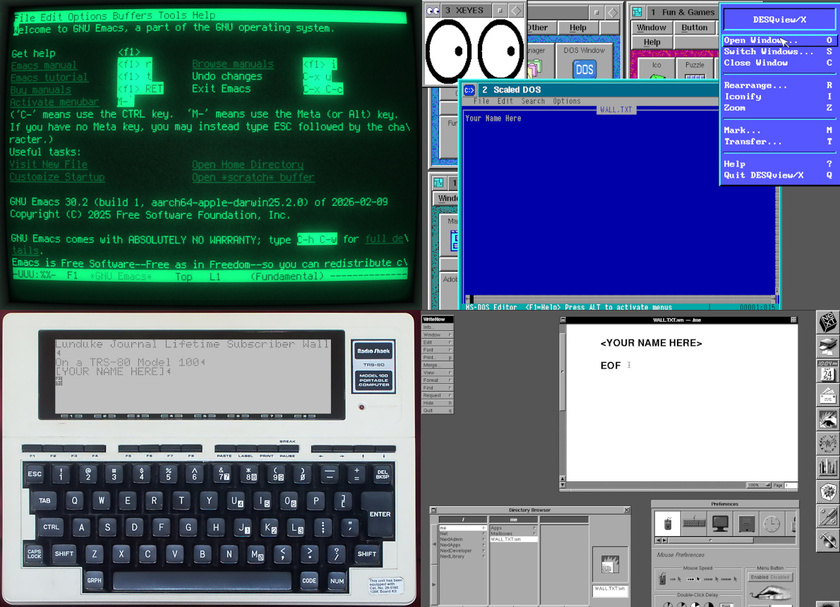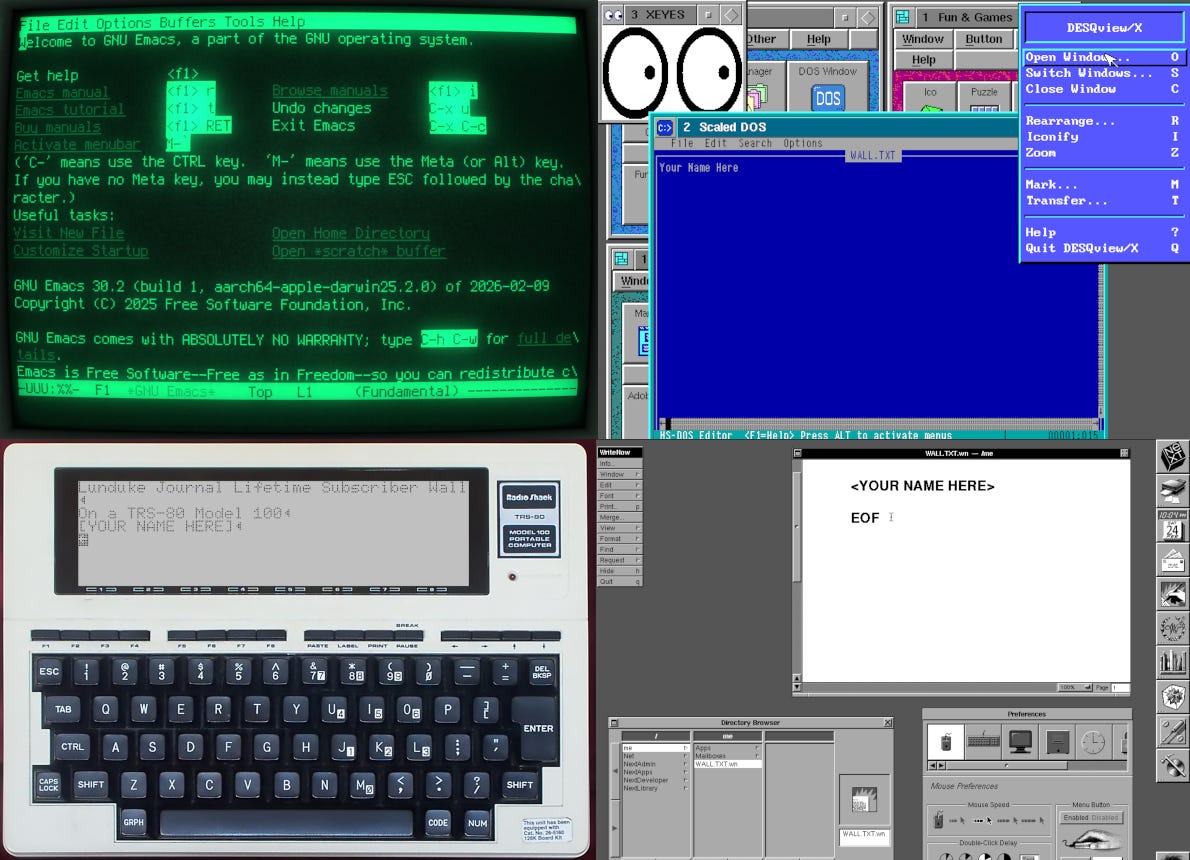




TL;DR: Lifetime Subscription discount ends in one day. There are currently 4 “Lifetime Walls” with space available for more names (the Oregon Trail Wall is now full).
We’ve been running a massive discount on Lunduke Journal Lifetime Subscriptions for the entire months of June and July. And it has been an absolute blast. There are now 21 (twenty-one!) retro computer walls overflowing with your names.
Pure insanity. Huge thank you to everyone who has supported The Lunduke Journal.
But the discounted price only runs through July 31st… and that moment is just about here.
When the calendar ticks over into August (just a hair over 24 hours from now), the Lunduke Journal Lifetime Subscription price goes back to normal.
If the calendar still says it’s July, the Lifetime price is still discounted to $125.
If the calendar says August… the price returns to $300.
There are, as of this exact moment, 4 retro game themed “Lifetime Walls” which still have some space for more names (check Lunduke.com for the full list):
Legend of Zelda
Commander Keen 4
Space Quest 4
Leisure Suit Larry
Grab a discounted Lifetime Subscription (scroll down for the details), then email Lunduke (bryan at lunduke.com) with which Wall you’d like to appear on.
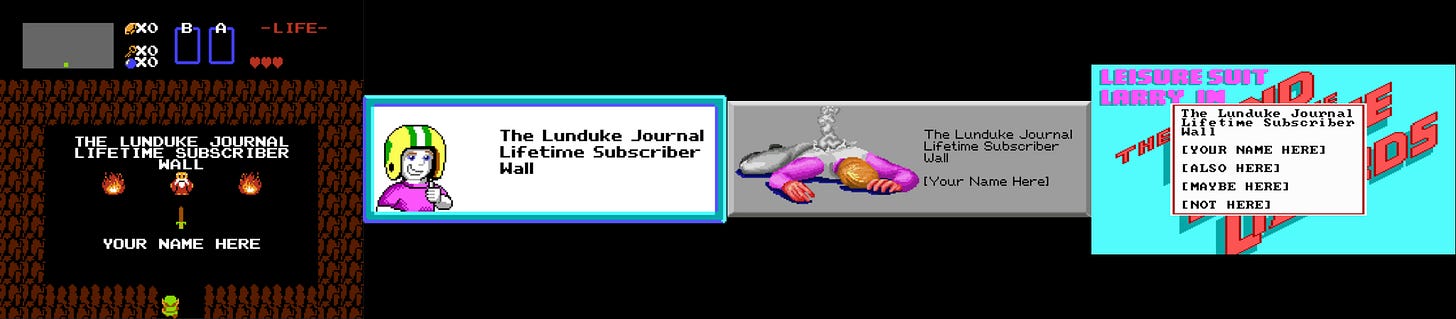
First come, first served. Once a Wall is full, it’s full. So if there’s a specific Wall you’d like to be on, don’t dilly dally.
How to Grab a Discounted Lifetime Subscription:
There are 3 different ways to pick up a Lunduke Journal Lifetime sub. All of them work great. Choose whichever works best for you!
Remember: These discounted prices go back up to normal ($300) on August 1st.
Get a Lifetime Subscription via Locals:
Go to Lunduke.Locals.com/support.
Select “Give Once“.
Enter “125“ into the amount field.
After checking out, Lunduke will toss you an email once your account is set to full lifetime status. (This usually happens within a few hours.)
Get a Lifetime Subscription via Substack:
Select the “Lifetime Subscription” option.
After checking out, Lunduke will toss you an email once your account is set to full lifetime status. (This usually happens within a few hours.)
If you would also like full, Lifetime access to Lunduke.Locals.com (which is included):
Make a free account on Lunduke.Locals.com.
Email “bryan at lunduke.com” with the email address you use on both Substack and Locals (can be different email addresses).
Lunduke will toss you an email once your account is set to full lifetime status on Locals.
Get a Lifetime Subscription with Bitcoin:
Bonus: Save an extra $10 with the Bitcoin option, as Bitcoin processing has fewer fees associated with it.
Make sure you have a Lunduke.Locals.com or Lunduke.Substack.com account (a free account, to either, works just fine).
Send $115 worth of Bitcoin (or more) to the following address:
bc1qyjakve8fywm8pz2v99v57yhjj0vzr2vjze6fcq
Email “bryan at lunduke.com” with the following information: What time you made the transaction, how much was sent (in Bitcoin), and the email address you use (or plan to use) on Locals.com or Substack.com.
-Lunduke